
Quickstart
Create your first landing page in under 5 minutes.
Step 1: Log In
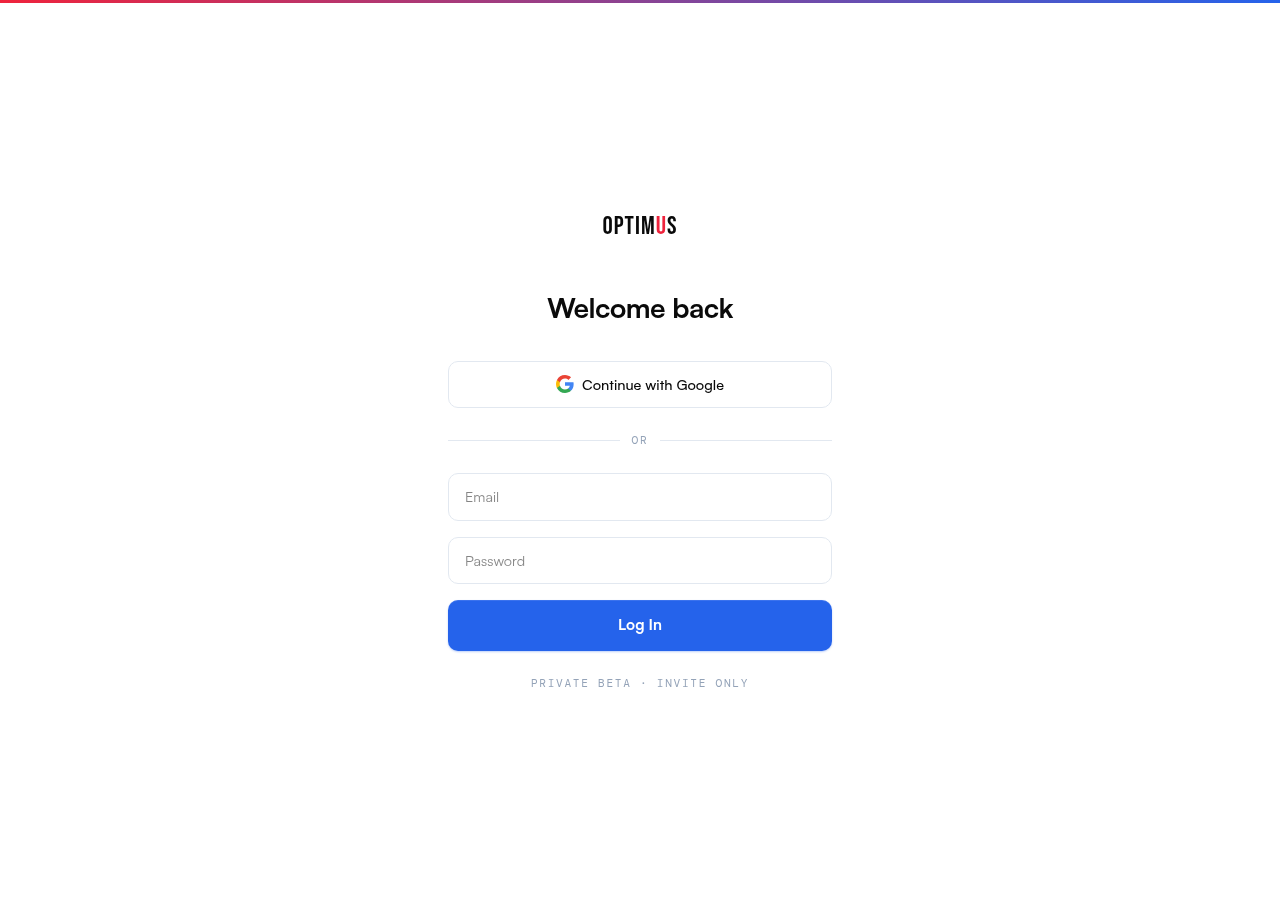
Sign in at my.blendo.com with your email and password, or use Google sign-in.
Step 2: Choose a Pathway
Click New Page from the dashboard. You'll see 9 pathway cards — pick the one that matches what you're building:
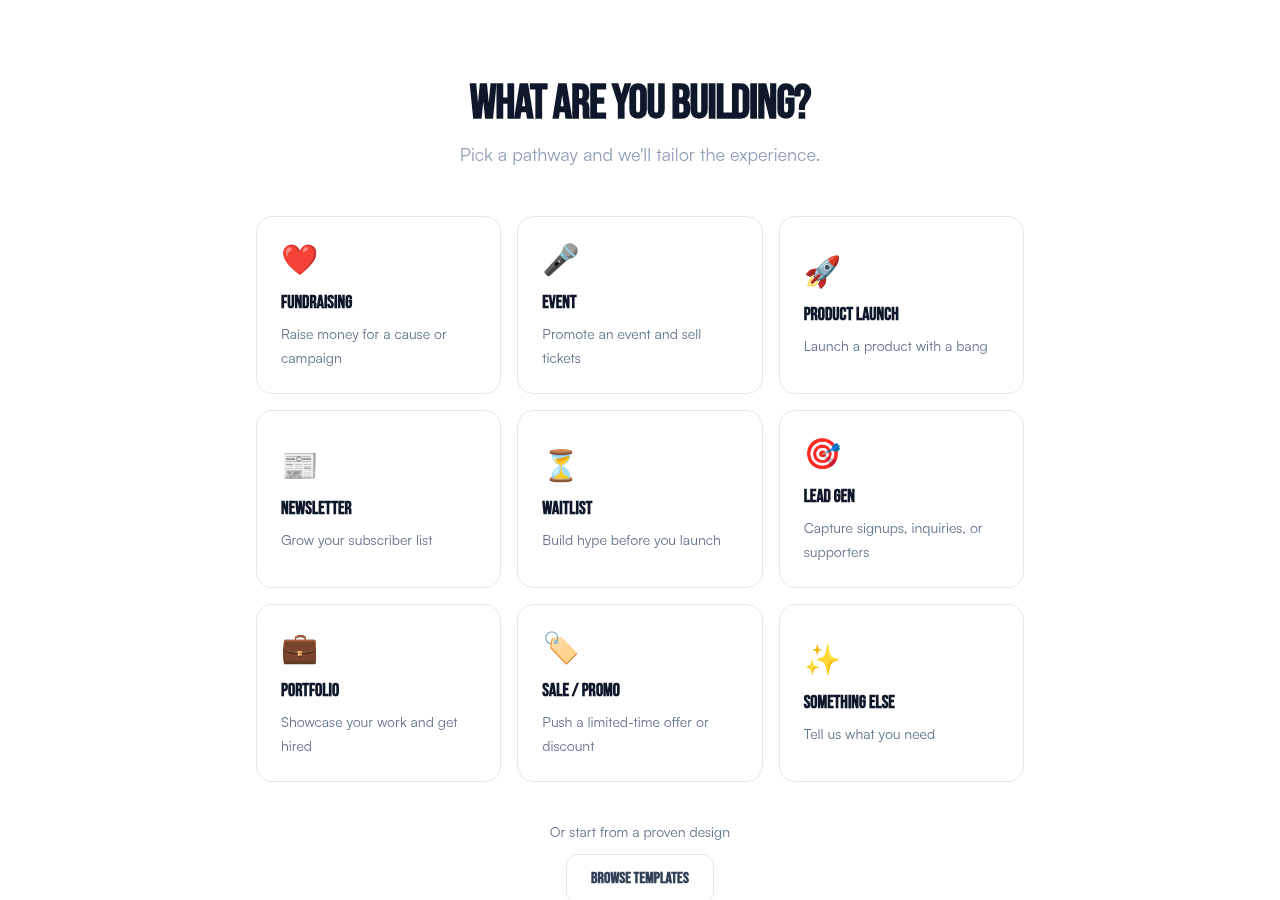
Fundraising, Event, Product Launch, Newsletter, Waitlist, Lead Gen, Portfolio, Sale/Promo, or Something Else.
Alternatively, click Browse Templates to start from a pre-designed template.
Step 3: Answer a Few Questions
Based on your pathway, you'll see 3-4 quick questions (organization name, what you're promoting, call to action, etc.). These take about 30 seconds.
Step 4: AI Generates Your Page
Blendo creates a professionally designed, mobile-responsive landing page. If it's your first page, you'll see 3 style variants to choose from — pick the one that best fits your brand.
Step 5: Refine & Publish
Use the editor to refine your page with AI suggestions or free-text instructions. When you're happy, click Publish to take it live.
Your page is instantly hosted on Blendo's global edge network at yoursite.blendo.site.
What's Next?
- Editor & Refinement — learn about the editing experience
- Brand Guidelines — set up consistent branding for all your pages
- Custom Domains — use your own domain instead of blendo.site
- Team & Roles — invite your team