
Media Library
Upload images, search stock photos, and manage your media assets.
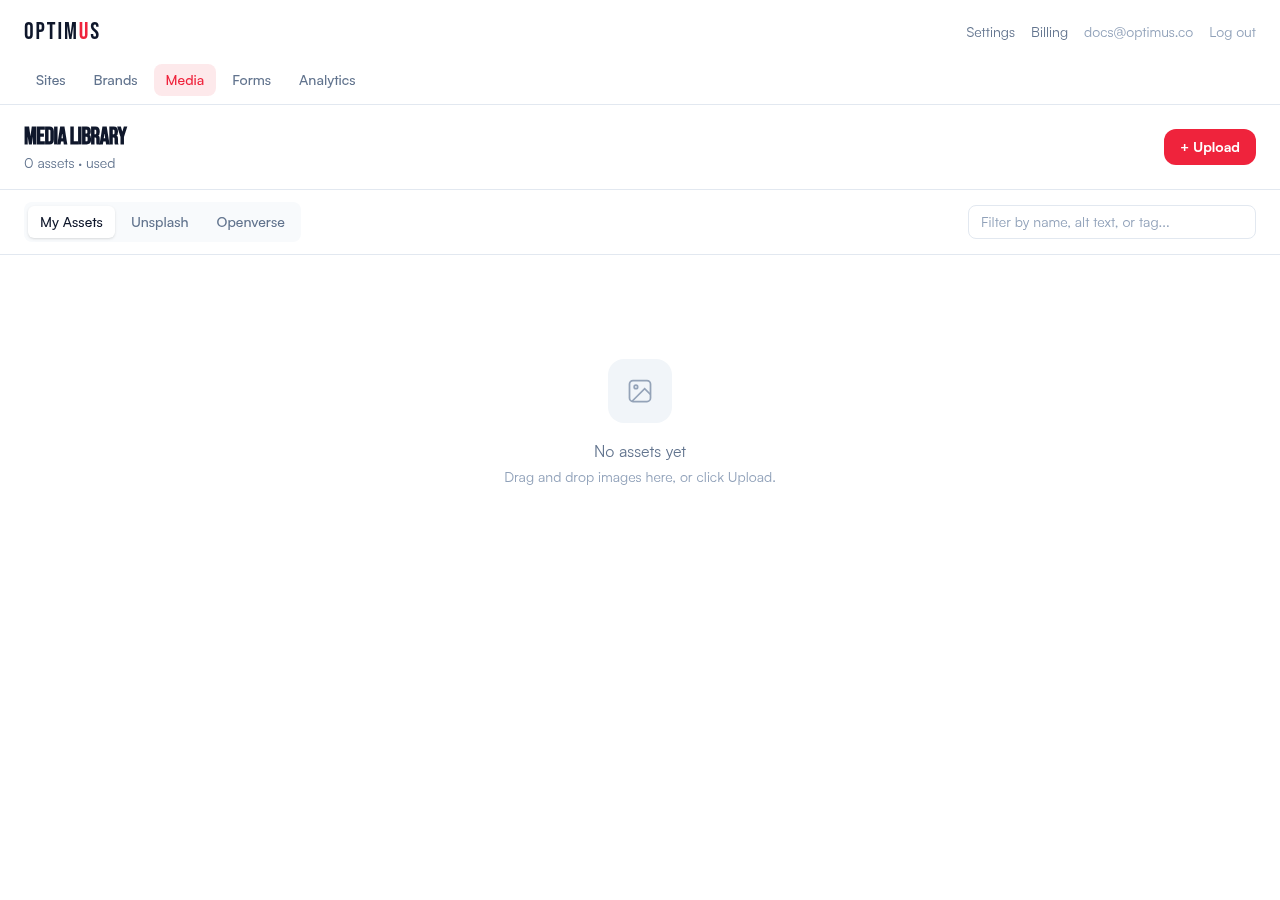
Uploading Images
Drag and drop images into the Media Library, or click to browse. Supported formats: JPEG, PNG, WebP, GIF, SVG. Images are uploaded to our CDN and served globally.
Stock Photo Search
Search millions of free, high-quality photos from two sources:
- Unsplash — curated, high-quality photography
- Openverse — Creative Commons licensed images from across the web
Click any result to import it into your Media Library. Attribution is tracked automatically.
Using Images in Pages
In the editor sidebar, open the Media panel to browse your library. Click an image to insert it into your page, or reference images by URL when giving refinement instructions to the AI.
Asset Management
The Media Library shows metadata for each asset: file size, dimensions, upload date, and where it's used across your pages. Delete unused assets to keep things clean.