
API
Programmatic access to your pages, sites, and content.
Authentication
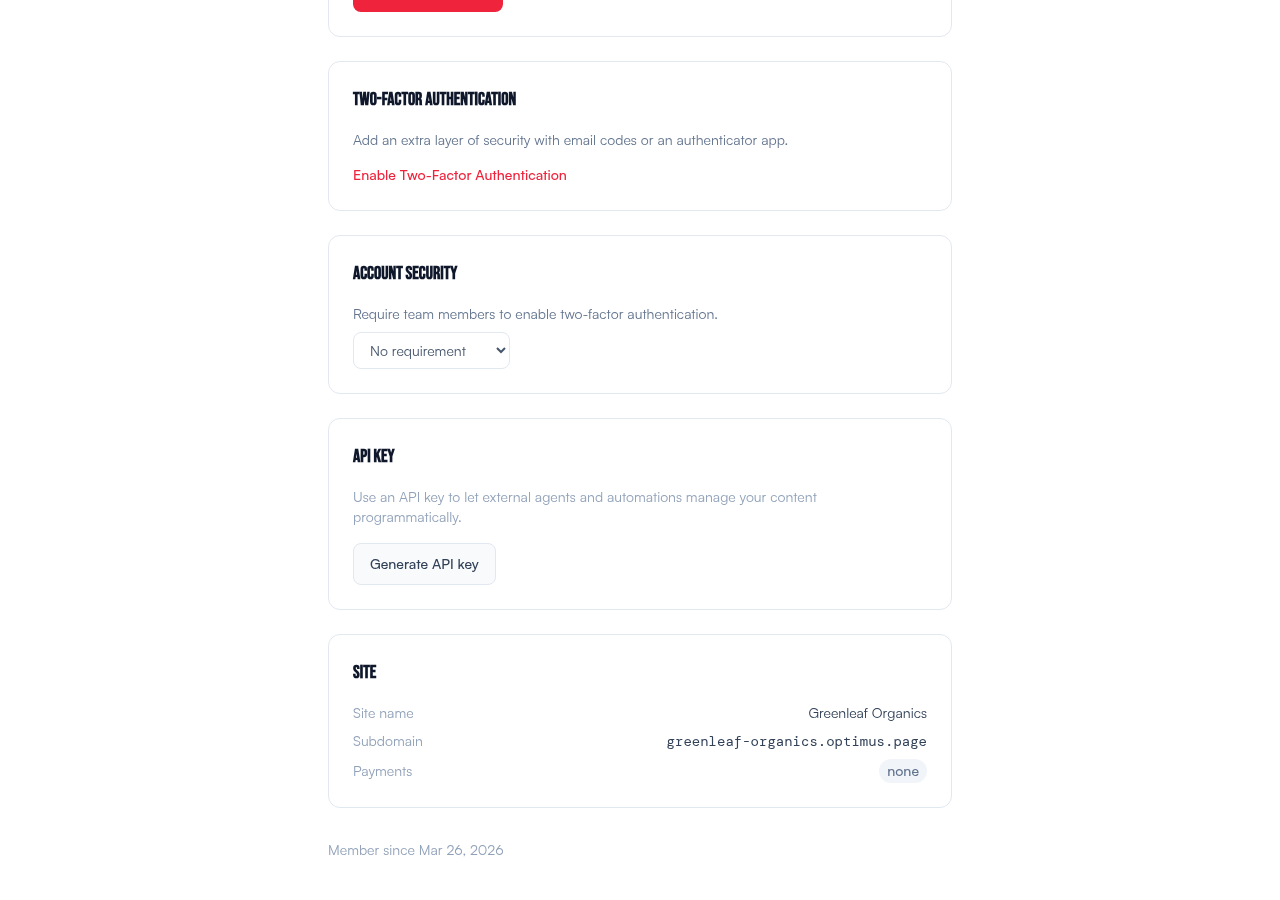
Generate an API key in Settings → API Key. Include it in every request:
Authorization: Bearer your-api-key
Base URL
https://my.blendo.com/api/v1
Endpoints
The API covers 25+ resource types with over 120 endpoints. Here are the most common ones:
| Method | Endpoint | Description |
|---|---|---|
| GET | /sites | List all sites |
| POST | /sites | Create a site |
| GET | /pages | List all pages |
| GET | /pages/:id | Get a single page |
| PATCH | /pages/:id | Update a page |
| POST | /pages/:id/publish | Publish a page |
| POST | /pages/:id/unpublish | Unpublish a page |
| GET | /pages/:id/versions | List page versions |
| GET | /submissions | List form submissions |
| GET | /subscribers | List email subscribers |
For the complete list of all endpoints with request/response examples, see:
- API Reference — full documentation with curl examples, field tables, and response formats
- Endpoint Quick Reference — compact table of every endpoint for quick scanning
Key Management
Generate API keys in Settings or via the API. You can create multiple keys with different scopes and expiration dates. Revoking a key immediately invalidates it — all requests with the old key will fail.
Keep your API key secret. It has full read/write access to your account's pages and content. Do not commit it to version control or share it publicly.